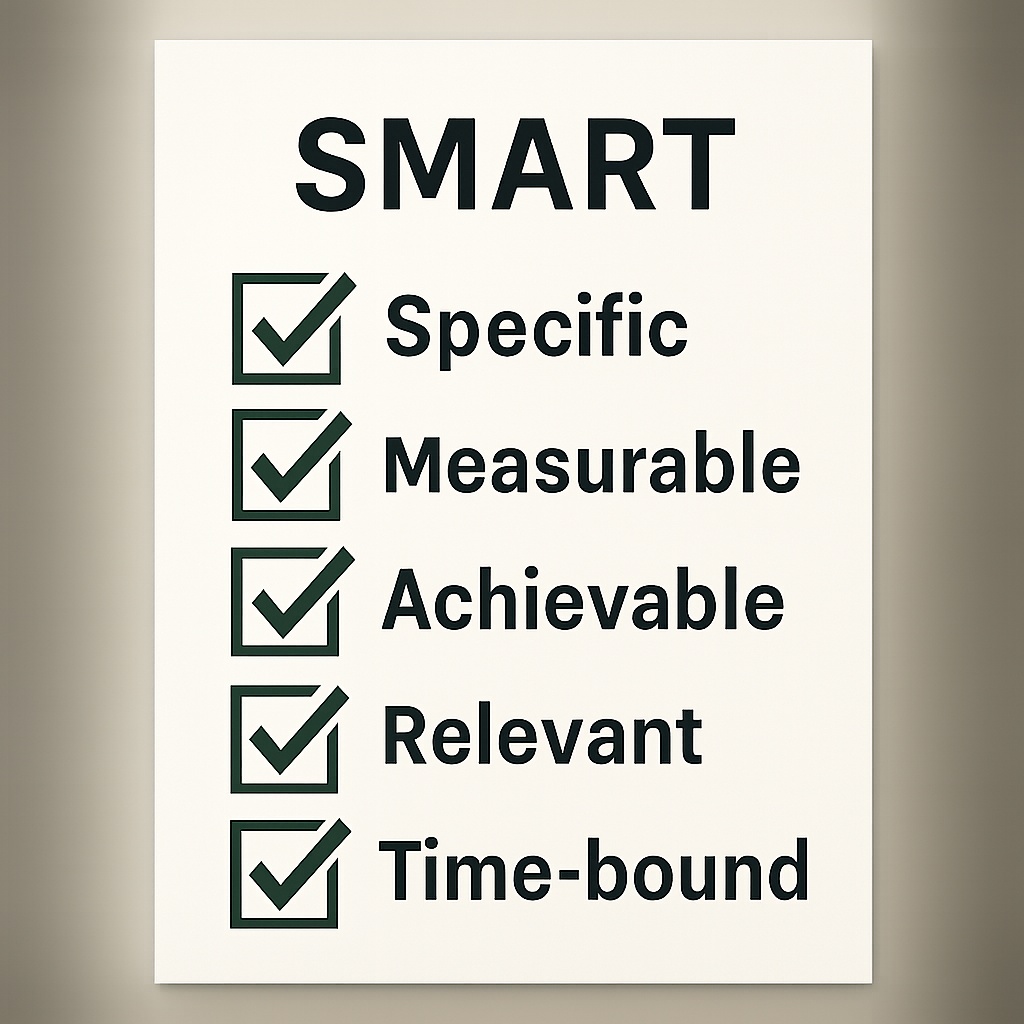

In Chapter 8 of The 90-Day Profit Boost, Rodney Ross reveals that the difference between dreams and data-driven results is a clear goal framework—SMART goals transform “grow revenue” from a wish into a win
What Makes a Goal SMART?
SMART is an acronym for goals that stick:
- Specific: Clearly defines what you’ll achieve.
- Measurable: Includes concrete metrics to track progress.
- Achievable: Ambitious yet realistic with your resources.
- Relevant: Aligned with your broader business vision.
- Time-bound: Sets a firm deadline.
“Vague targets create vague outcomes. SMART goals demand precision and accountability,” writes Ross :contentReference[oaicite:1]{index=1}.
Turning Vague Aspirations into SMART Wins
Consider the difference:
- Wish: “Increase sales.”
- SMART Goal: “Boost net revenue by 12% by September 30, 2025 through a 5% price increase on our top three services and a 10% upsell conversion rate.”
By specifying the metric (12%), deadline (Sept. 30, 2025), and tactics (pricing + upsells), you give your team a clear roadmap rather than a vague aspiration :contentReference.
Embedding SMART Goals in Your Workflow
- Project-Management Integration: Create tasks in your PM tool with due dates matching each SMART deadline.
- Team Alignment: Assign each department one SMART objective tied directly to your One-Year Vision.
- Progress Check-Ins: Hold bi-weekly KPI reviews, using a shared dashboard to celebrate milestones and adjust as needed.
Pro Tip: Ross recommends adding a “SMART Goals” widget to your Slack or Teams channel—visibility drives accountability :contentReference[oaicite:3]{index=3}.
Action Step: Set Your First SMART Goal Today
- Choose one core business area (e.g., lead generation).
- Define a metric (e.g., “20 new qualified leads”).
- Assign a deadline (e.g., “Next 30 days”).
- Outline 2–3 tactics to hit that target.
Publish your SMART goal in your team’s shared workspace, tag an accountability partner, and start tracking immediately.